
Customer Client Portal
One place for customers to approve, pay, request, and review
Offer a branded self-service portal where customers can view quotes and invoices, make payments, review service history, and request additional work 24/7.
14 days free · No credit card required
- Branded to your business
- Self-service 24/7
- Any device
Zentive Client Portal Features
Make Payments
Customers can view & pay invoices.
Service History
Customers can view & manage service history.
Request Services
Customers can request additional services.
Job Feedback
Customers can leave job reviews & feedback.
Fast Payments · Service History · Customer Requests
Let Your Customers Help Themselves
Online payments · Service requests · 24/7 self-service
Why Use Zentive Client Portal?
Zentive client portal gives your customers a self-service hub to view service history, pay invoices, request work, and leave feedback 24/7.
- ✔ Get paid faster when customers pay invoices online 24/7.
- ✔ Reduce phone calls and emails with customer self-service.
- ✔ Collect valuable feedback to improve service quality.
- ✔ Let customers request new work without playing phone tag.
- ✔ Build trust with transparent service history and documentation.
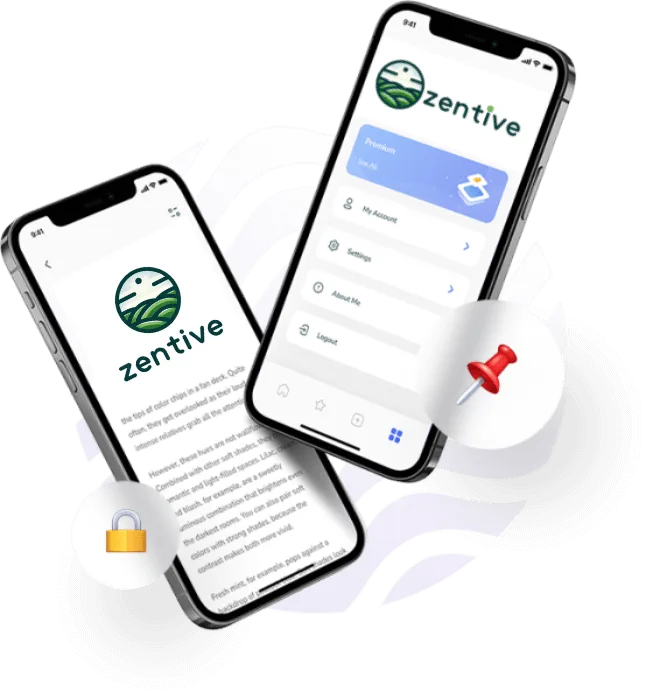
How Does Zentive's Client Portal Work?
Zentive's client portal allows your customers to view their service history, request additional services, and pay invoices 24/7. Your clients can now conveniently interact with your service business around the clock from their mobile phone.
- • Allows Fast Invoice Payment
- • Displays Service History
- • Enter New Service Requests
- • Collects Customer Feedback On Services
Make Payments
Customers can view & pay invoices.
Service History
Customers can view & manage service history.
Request Services
Customers can request additional services.
Job Feedback
Customers can leave job reviews & feedback.
Enable Customer Self-Service
With Zentive's client portal, your customers can help themselves. They can view service history, pay invoices, and request additional work without calling your office. Self-service means fewer interruptions for your team and a better experience for your customers.
Communicate With Your Customers
Zentive is the ultimate services scheduling software that is built to save owners time & money. We make it easy to manage your employees & grow effortlessly.
Leave Custom Feedback
Customers can leave positive & constructive feedback on your services so you can improve. Helps boost your online review presence.
Send Invoice Reminders
Customers get notified of outstanding invoices & pay faster.
Notify Of Upcoming Services
Customers can view their upcoming work schedule to reduce conflicts.
Markets Zentive Serves ——
Which Service Industries Use Zentive Client Portal?
Zentive client portal is built for green industry field service businesses that want to give their customers a professional self-service experience.
Landscaping
Let landscaping clients view service history, pay invoices, and request new work.
Learn more →Lawn Care
Give lawn care customers 24/7 access to their account, payments, and service requests.
Learn more →Tree Care
Allow tree service clients to review past work, approve estimates, and pay online.
Learn more →Snow Removal
Enable snow removal customers to track storm visits, pay invoices, and request priority service.
Learn more →What We Offer ——
Zentive Client Portal Plan Options
For more information about our client portal pricing and plan options, view our pricing plans.
Starter
Billed annually
- Scheduling & Job Management
- Create Quotes & Invoices
- Pay Digitally for 2.9% + 30¢
- 1 User
Standard
Billed annually
- Automated Emails & SMS
- Route Planner
- QuickBooks Integrations
- 5 Users
Growth Pro
Billed annually
- Full CRM Access
- Real-Time Job Costing Data
- Quote Follow-Up Automation
- Add Images to Jobs
- 15 Users
Integrations That Work With Your Stack
QuickBooks · Mailchimp · Stripe · Google Maps


How to Get Started With Zentive
Get started with Zentive client portal by selecting one of the below onboarding experiences.
Get Started on Your Own
Jump right in with our free tools, templates, and guides. Perfect for self-starters who want to explore Zentive at their own pace.
Start for FreeGuided Onboarding
Let our team walk you through every step with personalized, white-glove onboarding. Ideal if you want expert help setting up Zentive quickly.
Book Guided SetupOther Zentive Features
Explore more features Zentive offers to field service businesses.
Give Your Customers The Experience They Expect
Let customers pay, request work, and check service history on their own.