
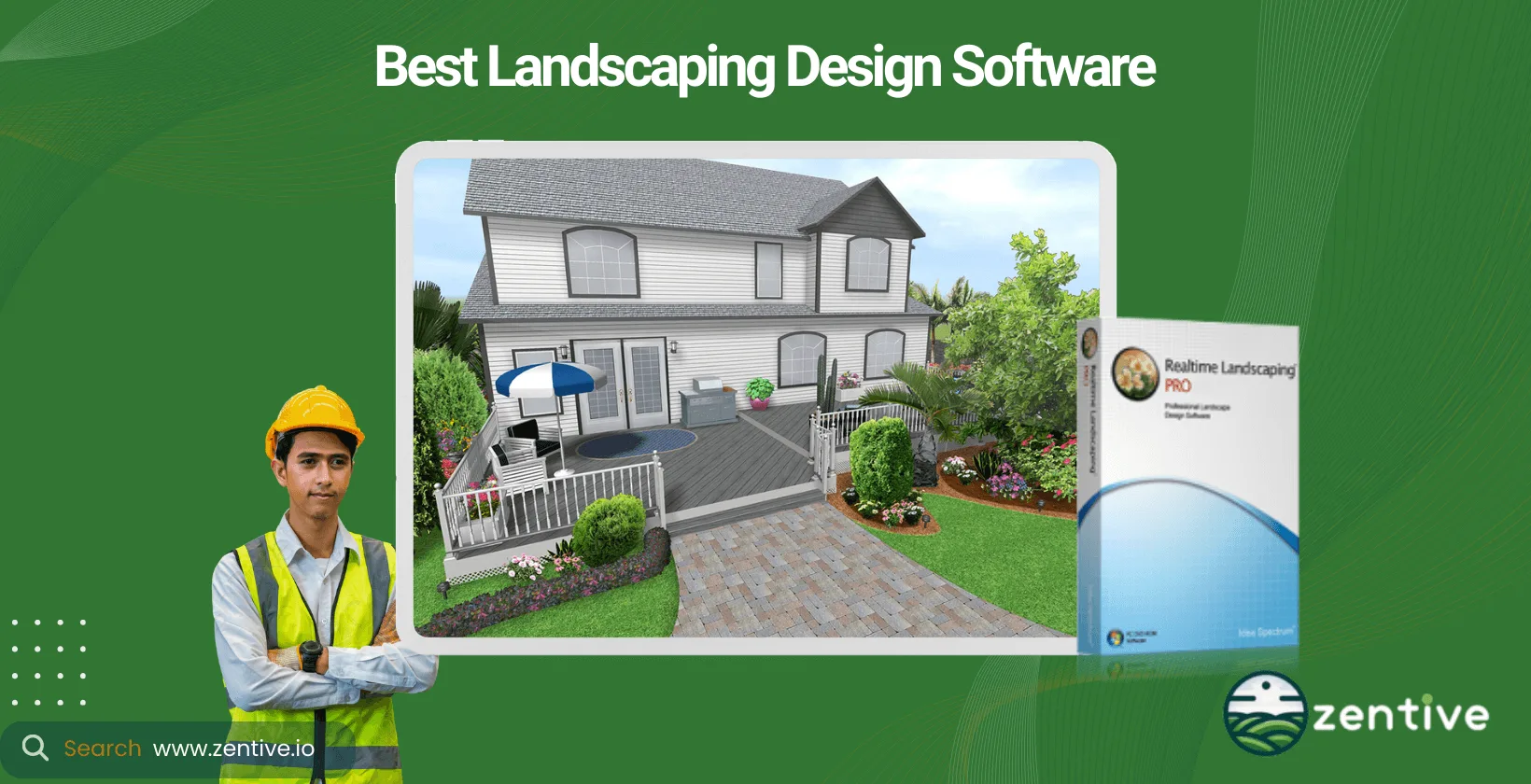
Landscaping design software helps users create detailed outdoor spaces by visualizing and planning garden layouts, hardscapes (water features, patios), and other landscape features. Homeowners, landscape designers, contractors, and architects use landscape design software to plan these spaces. Failing to plan is planning to fail. Many landscaping projects face more hiccups and run over budget without landscaping design software.
The best landscaping design software of 2025 is Realtime Landscaping Pro. It's user-friendly (feels like playing a Sims game), has robust features, and is affordable considering the tool's full capabilities.
When choosing landscaping design software, consider factors like ease of use, intended use case, feature set, device compatibility, brand reputation, and cost. Try out below mini quiz to see which design software for landscaping is best for your needs.
Below is our curated list of the top 10 landscaping design software.
- Realtime Landscaping Pro: Provides Windows‑based landscaping design with 6,100+ plants, realistic 2D/3D visuals, and customization for homeowners and pros.
- SketchUp: Offers cross‑platform 3D modeling with geolocation, AR/VR, and a large object library for landscape design.
- AutoDesk: Delivers professional CAD/3D modeling tools for precise drafting and rendering by landscape architects.
- Land‑FX: Integrates with AutoCAD to automate planting, irrigation, and hardscape design with large libraries.
- DreamPlan: Provides a beginner Windows tool for home and landscape design with drag‑and‑drop and 3D visualization.
- FloorPlan Home & Landscape Deluxe: Offers guided 2D/3D design with large object and plant libraries for homeowners and DIYers.
- Dynascape: Provides 2D drafting, 3D modeling, realistic rendering, and plant/material libraries for professionals.
- Vectorworks Landmark: Provides BIM/CAD tools with cost/terrain analysis, AR/VR, and collaboration for landscape firms.
- gCADPlus: Delivers affordable Windows 2D CAD with plant database, customization, and drafting tools.
- Garden Planner: Offers a simple drag‑and‑drop garden design tool with a plant library and basic 2D/3D view.
1. Realtime Landscaping Pro
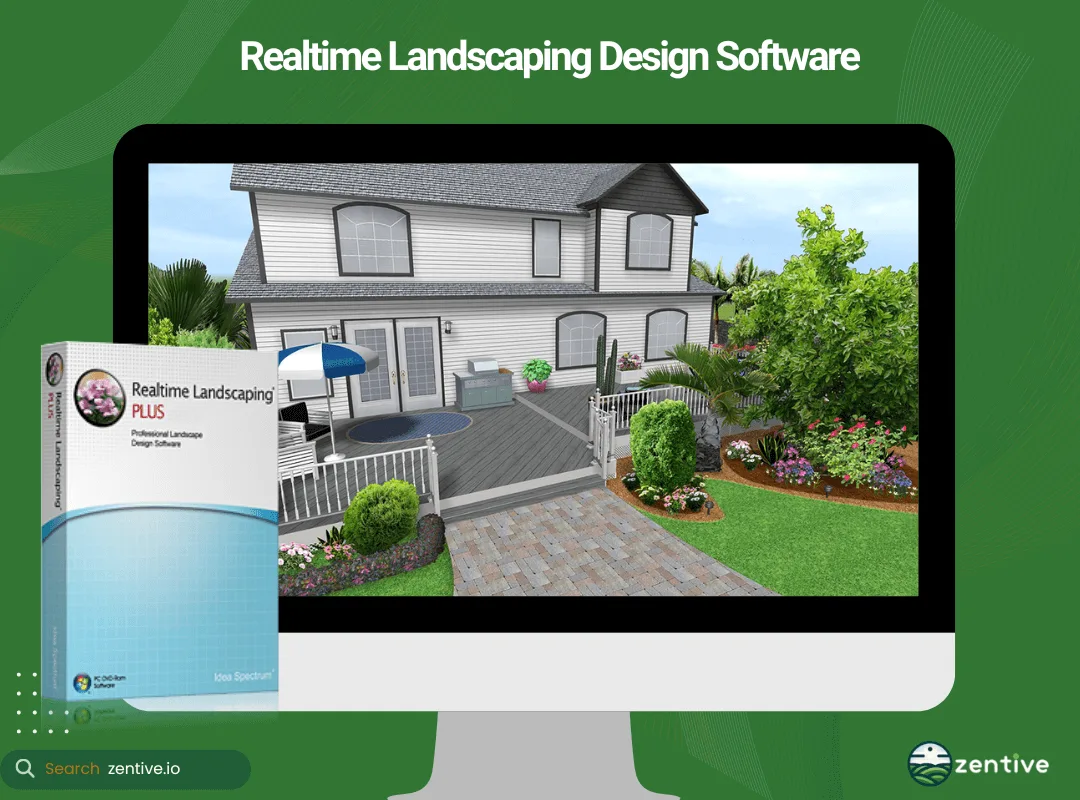
Realtime Landscaping Pro is the best landscaping design software. It has an intuitive user interface with large, clear icons and easy-to-navigate tabs - it almost feels like you're playing Sims.
This software is ideal for both homeowners looking to spruce up their outdoor space and professional landscape designers who want advanced yet easy-to-use garden design software. Realtime Landscaping Pro offers tools to design yards, gardens, houses, decks, swimming pools, ponds, patios, and more. The customizable objects are a huge pro, not to mention the vast library of plants (6100+) and realistic 3D visualization options. You can even simulate lighting and seasons and integrate 3D animated characters.
Realtime Landscaping Pro is a Windows-based software developed by Idea Spectrum. There are three pricing options: Plus at $149 (landscape design software for homeowners), Pro at $279 (homeowners and new landscape designers), and Architect at $599 (for landscape professionals). You can purchase the software on the Idea Spectrum website.
| Feature/Spec | Realtime Landscaping Pro Pros | Realtime Landscaping Pro Cons |
|---|---|---|
| User Interface | Intuitive, easy-to-use interface with large icons and easy navigation. | Steep learning curve, especially for new users trying to navigate more advanced features. |
| Customization | Easy customization for plants, terrain, and other elements. | Missing certain plants, such as grasses, in the catalog. |
| Rendering Capabilities | Instantly switch between 2D and 3D renderings with realistic visuals. | Terrain feature can be touchy and difficult to control for complex landscapes. |
| Plant Library | Over 6,100 plants in the library with seasonal and lighting simulations. | None reported. |
| Pricing | Offers pricing for different user needs, starting at $149 for homeowners. | None reported. |
2. SketchUp
SketchUp offers a highly intuitive interface that is both powerful and easy to use, suitable for all skill levels. It's the best landscaping software if you need to design on the go, as it's iPad-compatible.
The tool is widely used for design purposes, including landscape and construction design. Through SketchUp, designers can create 3D terrain, such as drawing contour lines into surfaces, draping hardscape elements, etc. The tool includes a huge library of objects and textures, supports geolocation, and even augmented and virtual reality compatibility so that you can impress your clients with incredible presentations.
SketchUp is available on Windows and macOS and has a web-based version as well. It is one of the go-to design software for the industry. The basic version is free, with the Go version at $167, Pro version available for $299/year, and Studio version at $892. You can purchase it from the SketchUp website.
| Feature/Spec | SketchUp Pros | SketchUp Cons |
|---|---|---|
| User Interface | Highly intuitive, easy to use for beginners and professionals alike. | Can cause issues if objects aren't properly grouped, leading to design problems. |
| Versatility | Supports landscape, construction, and architecture design, with the ability to create terrain and hardscape elements. | Lines not on the same plane can make it difficult to close surfaces or finish sections. |
| Community and Extensions | Strong community support, offering numerous extensions for additional functionality. | Free version is limited, with advanced tools available only in the paid versions. |
| Presentation Tools | AR and VR support allow for highly realistic presentations to impress clients. | None reported. |
| Pricing | Offers a free version, with Pro and Studio tiers for advanced features. | Paid versions can be expensive for small businesses or individual users. |
3. AutoDesk
AutoDesk is one of the best landscape design software for experienced designers. Its interface is powerful but complex. It has a steep learning curve, but once you get the gist of it, then the tool becomes invaluable.
This software is ideal for professional architects and landscape designers who need advanced tools and precision. It provides comprehensive CAD tools, 3D modeling, and rendering capabilities, supporting detailed and intricate designs.
AutoDesk is available for Windows and macOS. Professionals worldwide trust AutoDesk as a leader in design software. AutoDesk is expensive. It offers multiple product tiers so businesses can select the best fit. The pricing is subscription-based and starts at $505/year and can exceed $5,000 for some of the more advanced architectural collections. It is available on the AutoDesk website.
| Feature/Spec | AutoDesk Pros | AutoDesk Cons |
|---|---|---|
| Features | Wide range of tools from 2D drafting to 3D modeling. Supports complex design work. | Steep learning curve, difficult for beginners to master. |
| Precision | Highly precise design tools, suitable for detailed professional work. | Lacks flexibility in customizing workspace and creative freedom. |
| Industry Usage | Trusted by professionals worldwide in architecture, engineering, and landscape design. | Expensive, with costs exceeding $5,000/year for advanced packages. |
| Collaboration | Integrates seamlessly with other design software for team collaboration. | None reported. |
| Pricing | Starts at $505/year for basic packages. | High pricing for advanced collections. |
4. Land-FX
Land FX integrates with AutoCAD, offering a user-friendly interface for those familiar with AutoCAD.
The tool is best for landscape architects and designers who need to integrate with existing CAD workflows. What stands out about Land-FX is its specialized tools, which provide solutions for planting plans, irrigation design, and hardscape design. It provides extensive libraries and automation features. The most advanced tool, "F/X CAD," is loaded with features such as using live maps, geolocating plants, running basic AutoLISP scripts, accessing 3D connections, etc.
Land FX is Windows-based and integrates with AutoCAD. It's a well-regarded tool for those requiring specialized landscaping design solutions. There are four packages to choose from, including design $175, planting $575, irrigation $875, and F/X CAD $775. You can purchase the packages from the FX website.
| Feature/Spec | Land F/X Pros | Land F/X Cons |
|---|---|---|
| AutoCAD Integration | Seamless integration with AutoCAD, making it easy to add to existing workflows. | None reported. |
| Specialized Tools | Offers irrigation, planting, and hardscape design tools with extensive libraries and automation. | Overwhelming for casual users, a “lite” version could be helpful. |
| Plant Library | Large plant library and easy plant quantity tracking for large-scale projects. | Limited rendering capabilities, requiring other tools like Photoshop for presentations. |
| Customization | Customizable color palettes and settings for visual output. | Not enough conceptual rendering options to help with early-stage visualizations. |
| Pricing | Offers different pricing packages to cater to various design needs. | Costs can add up quickly if multiple packages are required. |
5. NCH Software DreamPlan
DreamPlan offers a straightforward, easy-to-use interface, which makes it best for beginners experimenting with landscape design software.
DreamPlan is perfect for homeowners or new designers looking to design both interior and exterior spaces. This software includes tools for home and landscape design, with the ability to create floor plans and outdoor areas. The landscape and garden planner features tools such as a flora library, reshaping terrain for groundwork, swimming pool design, importing 3D models, and designing outdoor spaces.
DreamPlan is available for Windows users. NCH Software is one of the best brands in the space and is known for creating accessible and affordable design software. There are two pricing plans to choose from, including free (non-commercial use) and DreamPlan commercial at $40. You can obtain the software from the NCH Software website.
| Feature/Spec | DreamPlan Pros | DreamPlan Cons |
|---|---|---|
| User Interface | Simple, easy-to-navigate interface, perfect for beginners. | Menu items and interface could use an update to improve the user experience. |
| 3D Rendering | Supports 3D renditions for visualizing home and landscape designs. | Program speed can be slow when working with larger models. |
| Flora Library and Tools | Flora library and terrain reshaping tools ideal for garden and outdoor designs. | Limited features for advanced users or professional designers. |
| Pricing | Offers a free version for non-commercial use, with an affordable commercial version at $40. | None reported. |
| Platform Availability | Great for Windows users. | Only available on Windows, limiting accessibility for macOS users. |
6. FloorPlan Home & Landscape Deluxe
FloorPlan provides a user-friendly interface with helpful wizards to guide you through the design process. This software is an alternative to DreamPlan for users who want a beginner friendly program with affordable pricing.
The tool is suitable for homeowners and DIY enthusiasts who want to design both home interiors and landscapes. FloorPlan Home & Landscape Deluxe offers 2D and 3D design capabilities, a large library of landscape elements, including objects (1000+) and more than 4000 plants. FloorPlan offers 100+ videos to help you learn the ropes, a growth tool to see your plants grow, HVAC tools, and more.
The tool is Windows and MAC compatible. Overall, FloorPlan is an established player in the design sector, and beginners using this software will be satisfied. There are three pricing models, including Deluxe ($99), Pro ($299), and Instant Architect ($49). All of which can be purchased from Imsi Design.
| Feature/Spec | FloorPlan Pros | FloorPlan Cons |
|---|---|---|
| User Interface | User-friendly interface with wizards to guide you through the design process. | Hard to navigate in 3D mode, especially when adjusting angles. |
| Library of Objects and Plants | Extensive library with over 1000 objects and 4000 plants for landscaping design. | Difficulty in selecting all objects in 3D for bulk adjustments. |
| Design Capabilities | Supports both 2D and 3D designs, making it versatile for various project needs. | Limited selection options in 3D mode may slow down larger projects. |
| Unique Features | Growth tool allows users to visualize plant growth over time. | None reported. |
| Pricing | Affordable pricing starting at $49 for Instant Architect. | None reported. |
7. Dynascape
Dynascape is specifically designed for the landscaping industry. Its interface is tailored for professional use, yet the platform is user-friendly, allowing even new designers to quickly learn the ropes of the program.
The tool is best for professional landscape designers and architects, yet new designers can use the platform. Dynascape includes tools for 2D drafting, 3D modeling, measuring, and rendering, providing detailed plant and material libraries. It is both Windows and Mac compatible.
Overall, most people have only good things to say about Dynascape. The software is praised for its good graphics, making the designs look more realistic. It's hands down one of the best design-orientated software in the space.
There are two plans to choose from for this landscape software: a creator ($50/month) and a designer ($150/month). However, I recommend you get the add-ons "color" and "sketch3D" to make your designs stand out even more.
| Feature/Spec | Dynascape Pros | Dynascape Cons |
|---|---|---|
| User Interface | Easy to learn for new designers while offering professional tools. | Difficult to navigate for administrators without assistance. |
| Design Capabilities | Provides 2D drafting, 3D modeling, and realistic rendering. | Program slows down when working with complex designs. |
| Graphics | Detailed graphics that make designs look more realistic. | Requires add-ons like Color and Sketch3D for upgraded features. |
| Libraries | Extensive plant and material libraries for easy selection. | None reported. |
| Pricing | Two pricing tiers: $50/month for Creator, $150/month for Designer. | Additional costs for add-ons can increase the overall price. |
8. Vectorworks
Vectorworks, more specifically the Landmark product, offers a complex but powerful interface designed for professional users.
Landmark provides comprehensive CAD tools, BIM capabilities, and extensive plant libraries, which are ideal for landscape architects and urban planners who need advanced landscaping design capabilities. The tool enables you to calculate construction costs, analyze terrain for groundwork, and evaluate drainage. Furthermore, the tool boasts a neat team collaborative feature, making it ideal for firms with more than one designer. It offers AR and VR capabilities, enabling professional presentations.
The platform is available for Windows and macOS. Industry professionals trust Vectorworks for architectural and landscape design. The pricing is subscription-based and starts at $1,530/year or $153/month. It is available on the Vectorworks website.
| Feature/Spec | Vectorworks Pros | Vectorworks Cons |
|---|---|---|
| BIM Capabilities | Allows generating elevations, schedules, and smart tags for advanced landscape design. | Limited adoption in certain markets makes collaboration with others challenging. |
| Plant Libraries and CAD Tools | Extensive plant libraries and CAD tools tailored for landscape architects. | Issues with iOS updates and occasional crashes. |
| Team Collaboration | Features for multi-designer collaboration, ideal for firms. | Dongle-based licensing system requires physical transfer between users. |
| AR/VR Integration | Supports AR/VR for immersive presentations. | None reported. |
| Pricing | Subscription-based pricing starting at $1,530/year or $153/month. | None reported. |
9. gCADPlus
gCADPlus features a straightforward interface aimed at professional users with some CAD experience. The tool is best for landscape architects and designers who need precise CAD tools. One drawback of this software is that it only provides 2D drafting and design tools, which can make it difficult to present to clients as they can sometimes struggle to envision the "big picture." Still, the tool boasts a plant database and customization options like mulch volume. gCADPlus is Windows-based and highly regarded designing software, especially among students. It is available for a one-off fee of $95 on the gCADPlus website.
| Feature/Spec | gCADPlus Pros | gCADPlus Cons |
|---|---|---|
| User Interface | User-friendly interface, even for CAD beginners. | Graphics are outdated compared to more modern software. |
| Design Capabilities | Supports 2D drafting with customization options like plant databases and mulch volume calculations. | Limited to 2D design, which can make it harder for clients to visualize the final project. |
| Pricing | Affordable one-time fee of $95, with a free trial available. | High RAM requirements may cause performance issues on older computers. |
| Platform Compatibility | Provides free updates and support tutorials for continued user guidance. | Only available for Windows users, with no support for Mac. |
| Customer Support | Free online tutorials and a helpful user guide make it easy to get started. | International support can be difficult due to time zone differences. |
10. Garden Planner
Garden Planner is basic and easy-to-use software, perfect for beginners. It's ideal for homeowners and gardening enthusiasts who want to design their gardens. Garden Planner offers drag-and-drop functionality, a large library where you can add plants and objects, and simple customization tools. You can design in 2D and visualize the result in 3D. It is available for Windows and macOS. It's a popular software among hobbyists for its simplicity and effectiveness. Garden Planner is priced at $48 and available on the Garden Planner website, Mac app store, and Microsoft Store.
| Feature/Spec | Garden Planner Pros | Garden Planner Cons |
|---|---|---|
| User Interface | Easy to use with drag-and-drop functionality, perfect for beginners. | Basic customization options, with limited icon variety. |
| Design Capabilities | Extensive plant and object library for designing both gardens and rooms. | Does not include 3D visualization, which limits full design perspectives. |
| Pricing | Affordable one-time fee of $48. | Poor print quality on some printers. |
| Platform Compatibility | Available for Windows and macOS. | None reported. |
| Additional Features | Can be used for both outdoor and indoor design projects. | Limited advanced features compared to more professional tools. |
How To Pick A Landscape Design Software?
There are five factors you need to consider to ensure you pick the right landscape design software.
- Software Cost: Look at the price of the software and its payment model - subscription or once-off. Subscription-based is usually better as it's more budget-friendly, and you can cancel anytime.
- Design Skill Level: The software will either be designed for homeowners with basic needs or professionals requiring advanced features. Read user reviews or articles like this one to help you identify for whom the software is designed.
- Type Of Landscaping Business: Identify your business needs—residential landscaping, commercial projects, or specialized services like irrigation design. Some design software offers better solutions for hardscaping, while others are better suited for irrigation or groundwork.
- Device & Operating System: Check compatibility with your devices (Windows, Mac, iPad) to ensure the software will work with your device.
- Type Of Design Software: Decide between 2D, 3D, CAD, or BIM software based on the complexity of your projects and the level of detail required.
What Does A Landscape Design Tool Cost?
Landscape design tools can be free, cost around $50 for basic software, and even cost more than $1,000, but the average price is between $150 and $400. There are different payment models for this software, including a subscription and a one-time payment.
SketchUp Free and DreamPlan are the best free landscape design software for landscapers. However, both these software solutions have limited features compared to advanced landscape design software and are better suited for homeowners.
How Does Skill Level Affect Landscaping Design App Selection?
The skill level significantly affects selection of landscaping design software because beginners benefit form simple & easy to use features. Homeowners generally prefer user-friendly and intuitive tools like Garden Planner, which offer drag-and-drop functionality and easy customization. On the other hand, professional landscapers or architects require advanced features and precision, which are available in software like AutoDesk or Land-FX.
Which Design App Is Best For A Homeowner?
Realtime Landscaping Pro is the best design software for homeowners. It's user-friendly, affordable, and offers a comprehensive set of features to design and visualize your garden.
Which Design App Is Best For A Professional Landscaper?
The best design app for a professional landscaper is AutoDesk because it provides advanced CAD tools, precise rendering capabilities, and extensive libraries that meet the complex needs of professional landscape design projects. Professional landscapers require more functionality and are willing to pay more for a landscaping design app.
How Does Landscape Business Type Affect Design Program Selection?
The landscape business type significantly affects design program selection. Different types - residential, commercial, and specialized - of landscaping businesses have varying needs:
Residential landscaping requires software that offers detailed plant libraries and easy-to-use design tools, like Realtime Landscaping Pro, while still boasting advanced features such as AR/VR presentation capabilities. In comparison, commercial landscaping needs robust CAD tools and precise planning capabilities, as found in AutoDesk or Vectorworks.
Lastly, contractors performing specialized services (e.g., irrigation design) benefit from software like Land FX, which offers specific tools for detailed irrigation planning and planting.
| Business Type | Design Program | Key Features |
|---|---|---|
| Residential Landscaping | Realtime Landscaping Pro | Detailed plant libraries, easy-to-use design tools, AR/VR presentation capabilities |
| Commercial Landscaping | AutoDesk, Vectorworks | Robust CAD tools, precise planning capabilities |
| Specialized Services (e.g., Irrigation Design) | Land FX | Specific tools for detailed irrigation planning and planting |
How Does The Device Type Affect Design Software Selection?
The type of device you use can affect your choice of design software. Desktops/laptops is ideal for powerful software requiring significant processing power, such as AutoDesk and Vectorworks. In comparison, iPads/tablets require lightweight and portable design apps. Software like SketchUp offers a web-based version that can be accessed on tablets and allows for on-the-go design.
Which Design App Is Best For An iPad?
SketchUp is the best design app for iPad users. It offers an iPad version that runs smoothly on tablets, providing powerful 3D modeling capabilities and a user-friendly interface. It's ideal for designers who want to design landscapes at the worksite or illustrate something to the client during the meeting.
What Are The Different Types Of Design Software?
There are four types of design software landscapers can use.
- 2D Design Software: Focuses on creating flat, two-dimensional plans. Useful for basic layouts and initial planning.
- 3D Design Software: Allows for three-dimensional modeling and visualization, giving a realistic view of the landscape.
- CAD (Computer-Aided Design) Software: Provides precise and detailed design capabilities, often used by professionals for complex projects.
- BIM (Building Information Modeling) Software: Integrates design with project management, allowing for detailed planning and construction processes, typically used for large-scale commercial projects.
Should Landscapers Invest In Business Management Software?
Yes, landscapers should invest in business management software. A landscaper business management app like Zentive improves operational efficiency by providing employee, financial, and customer management tools. You should definitely think of investing in both design and management software, as this allows you to efficiently handle all aspects of your business, from creative design to daily operations.
Get This Guide as a PDF
Save this article for offline reading. We'll send a formatted PDF straight to your inbox.
No spam. Unsubscribe anytime.
Ready To Streamline Your Field Service Business?
Zentive is the all-in-one field service management software built for landscaping, lawn care, tree care, and snow removal businesses. Start your free trial today.
No credit card required · Cancel anytime